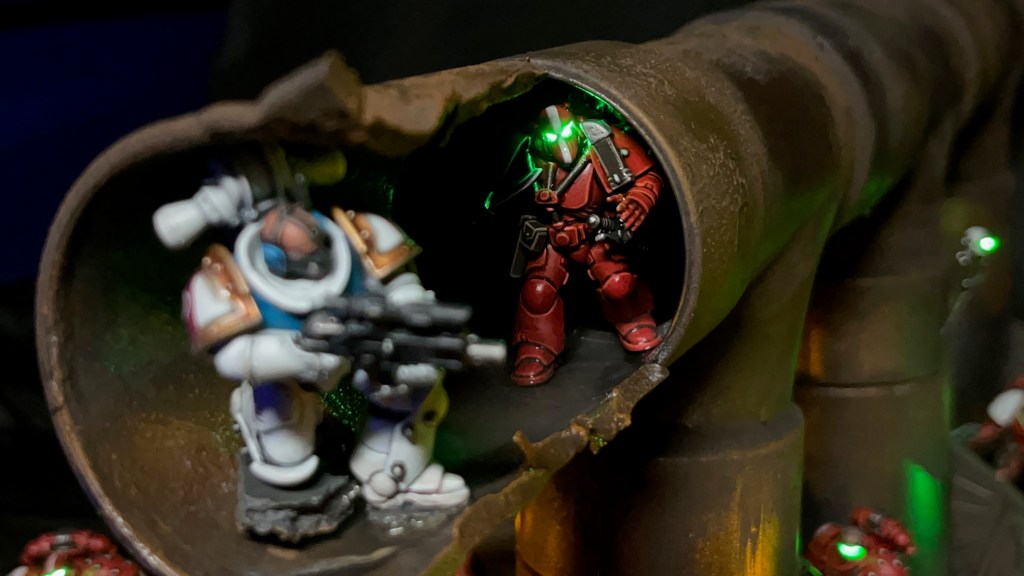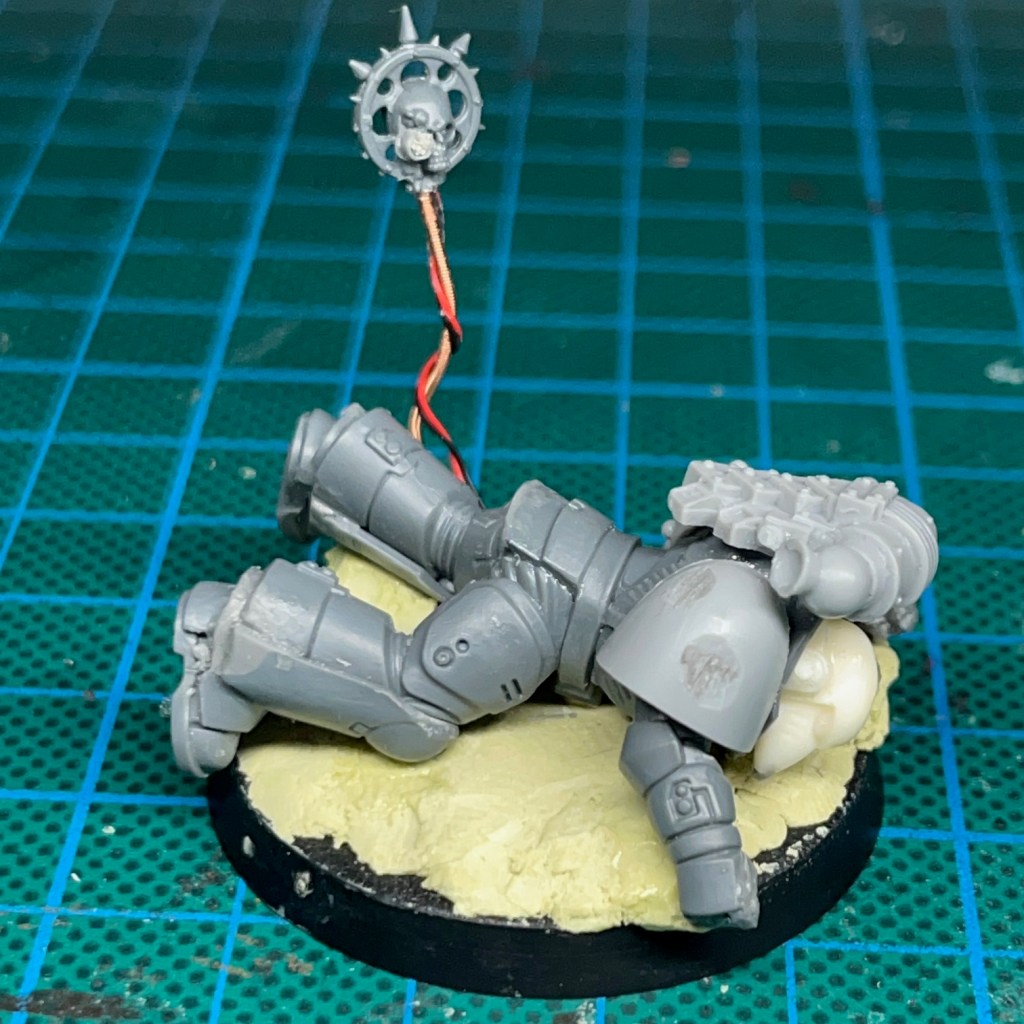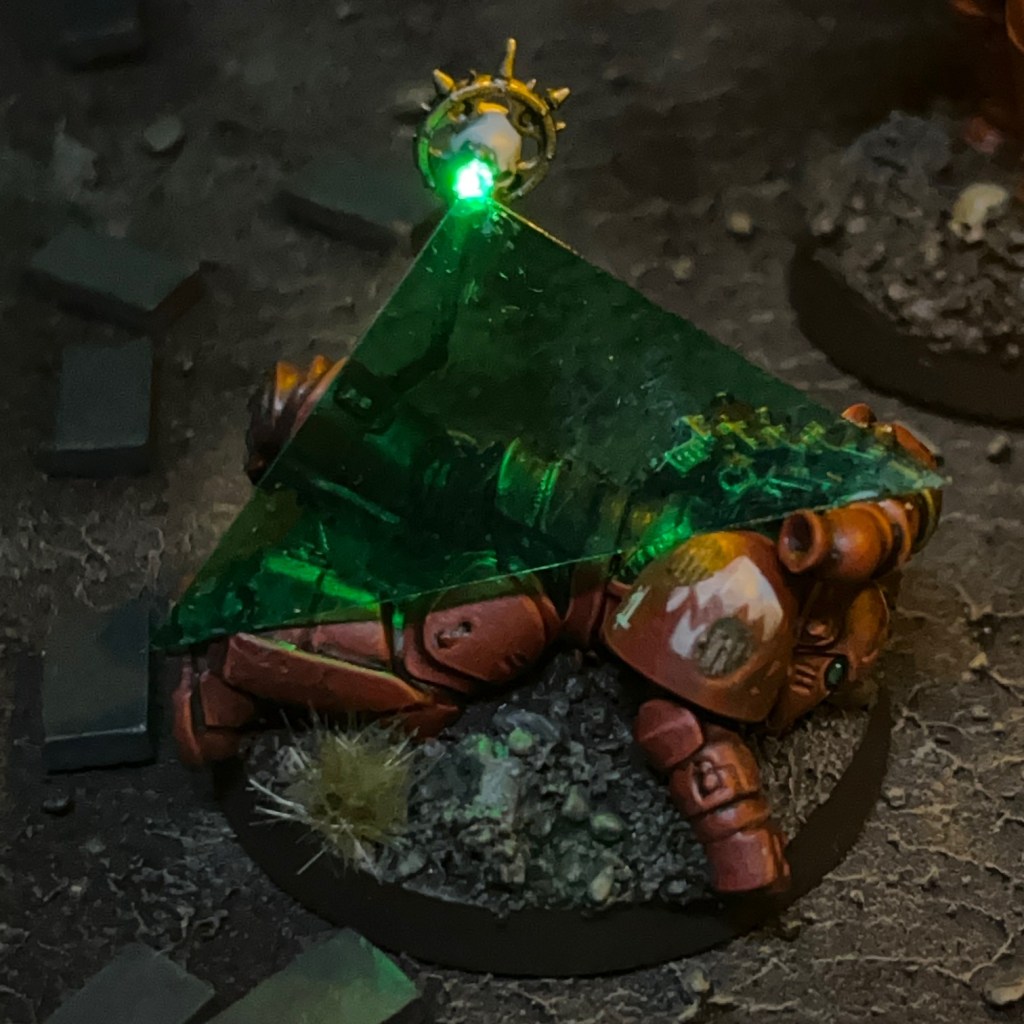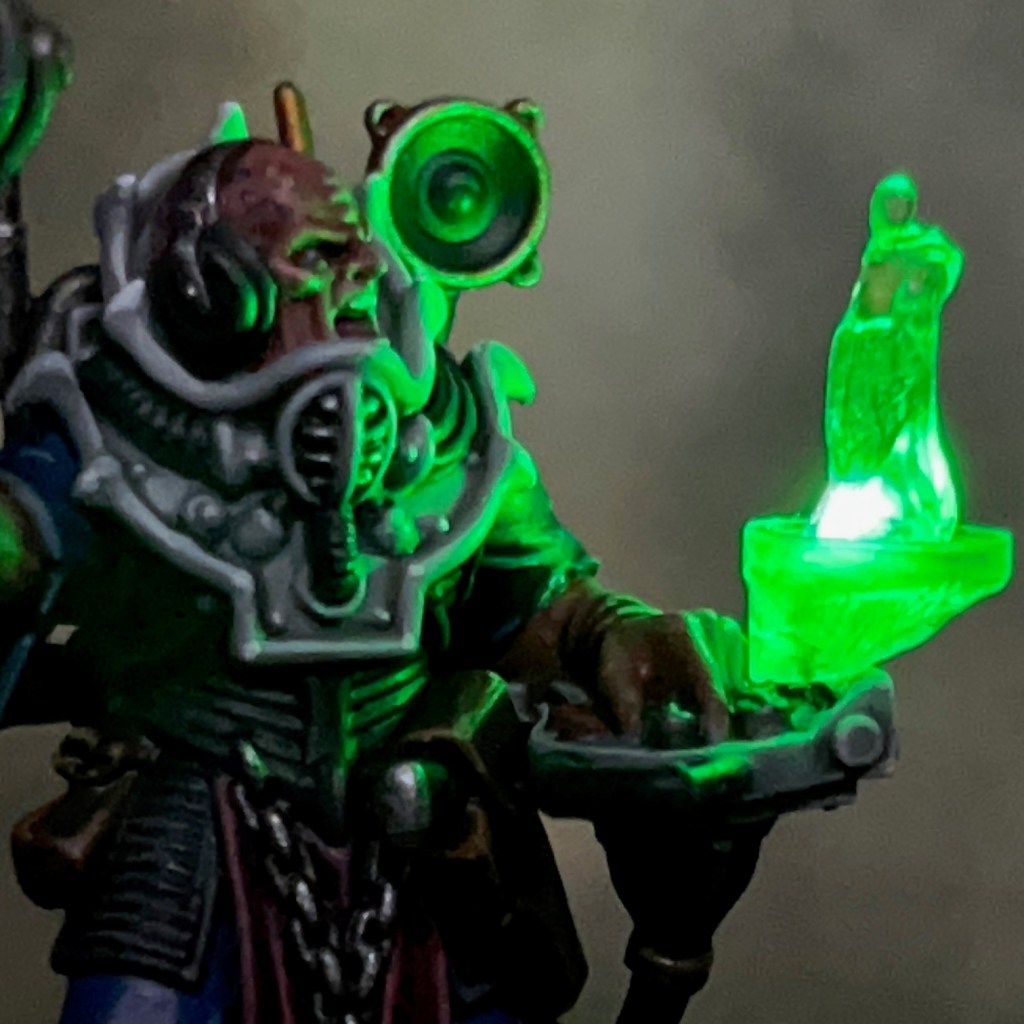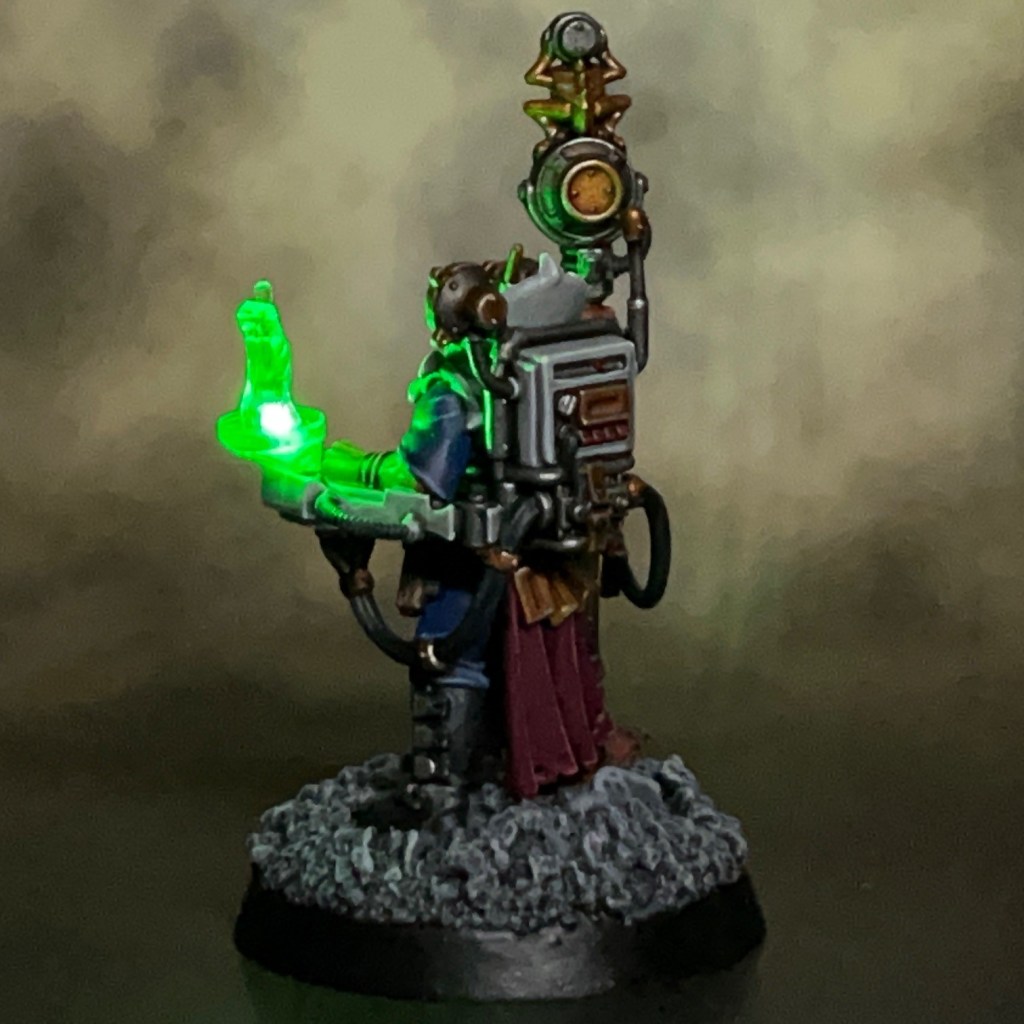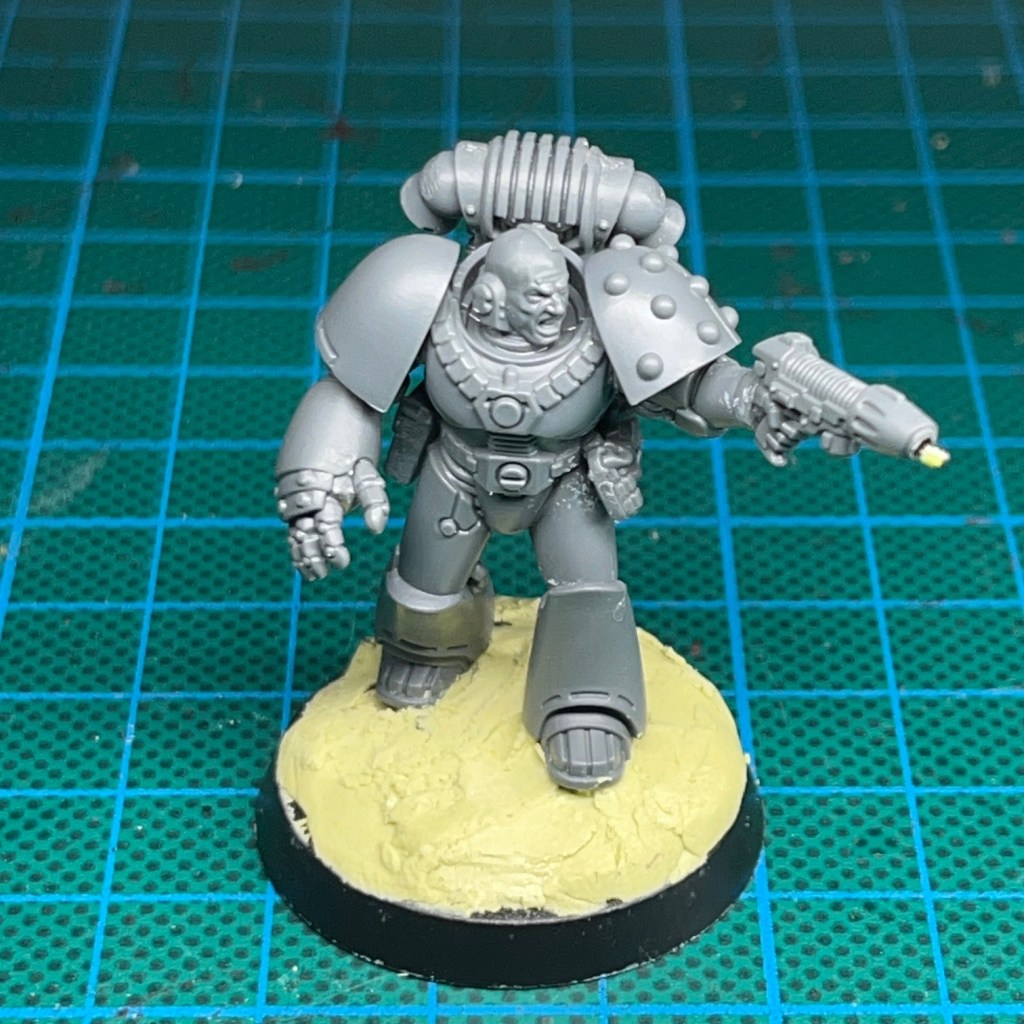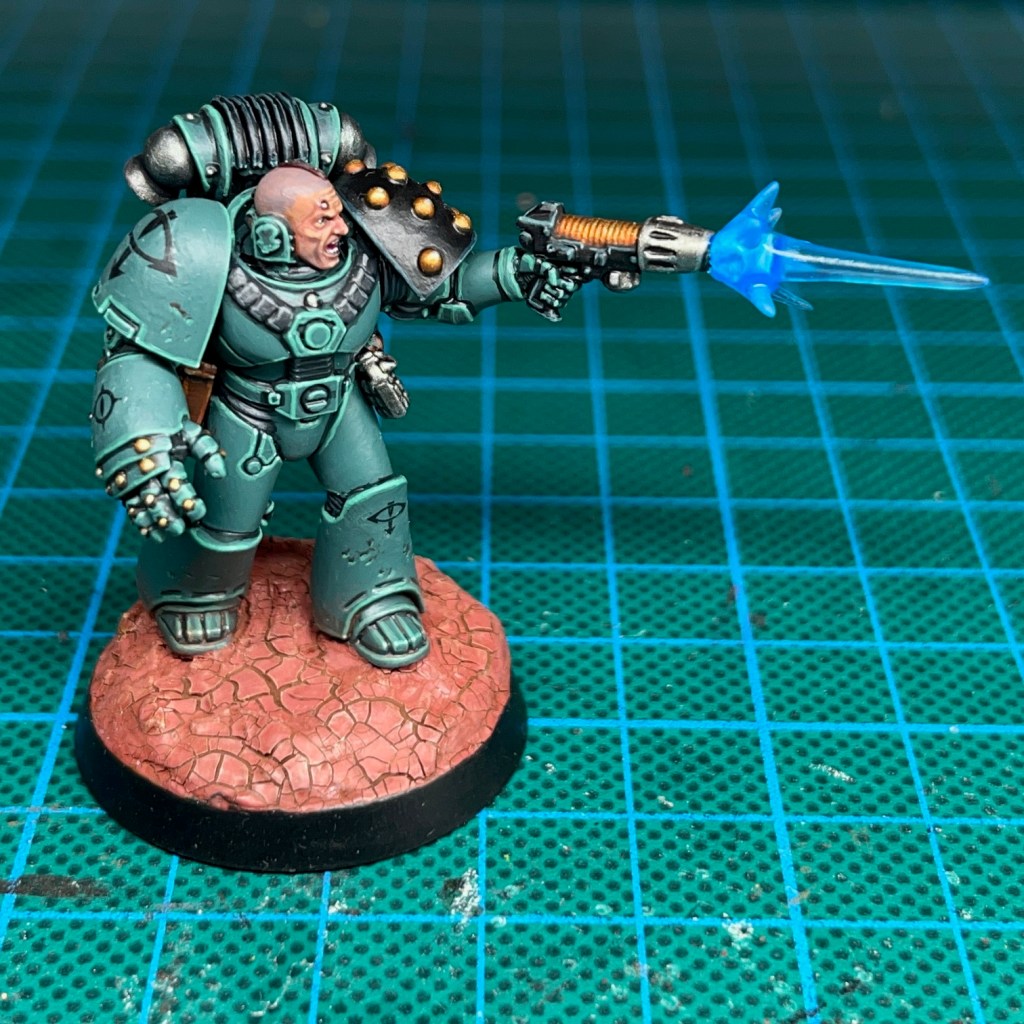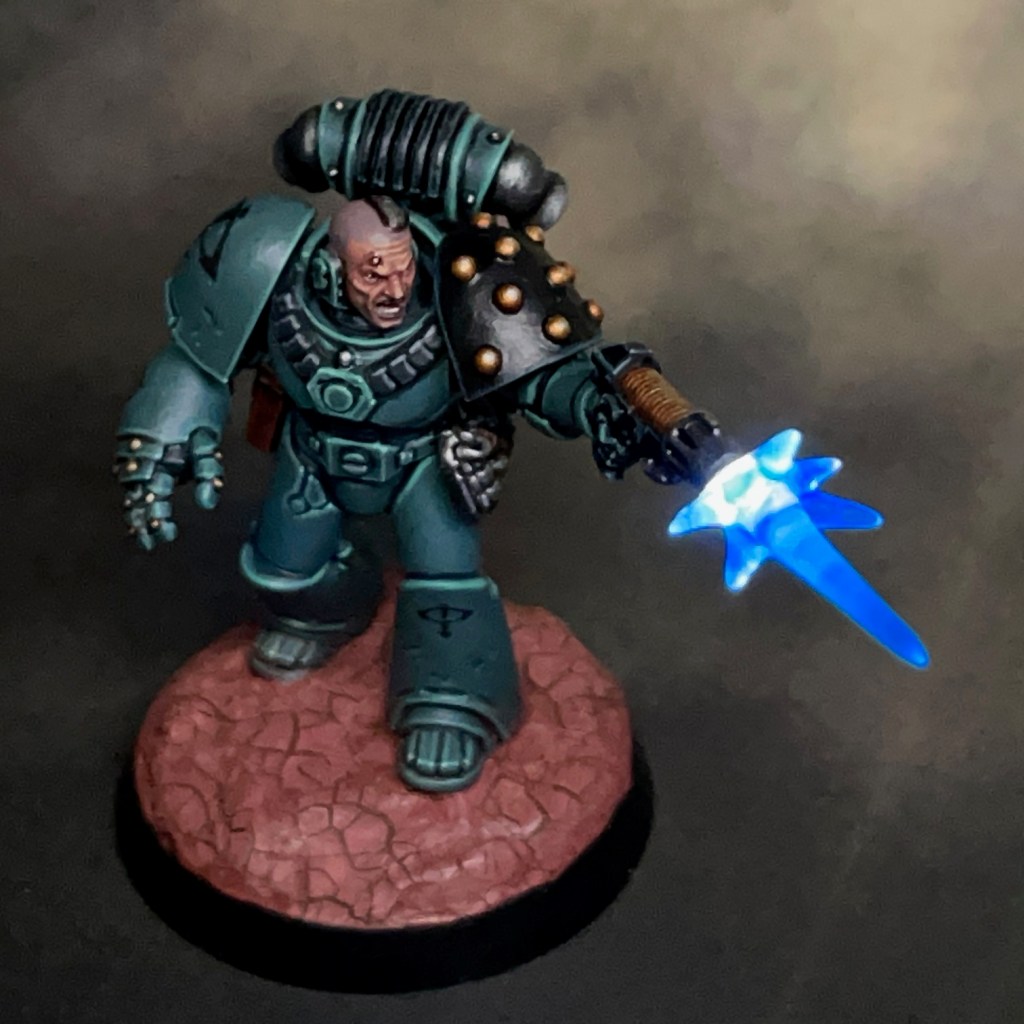
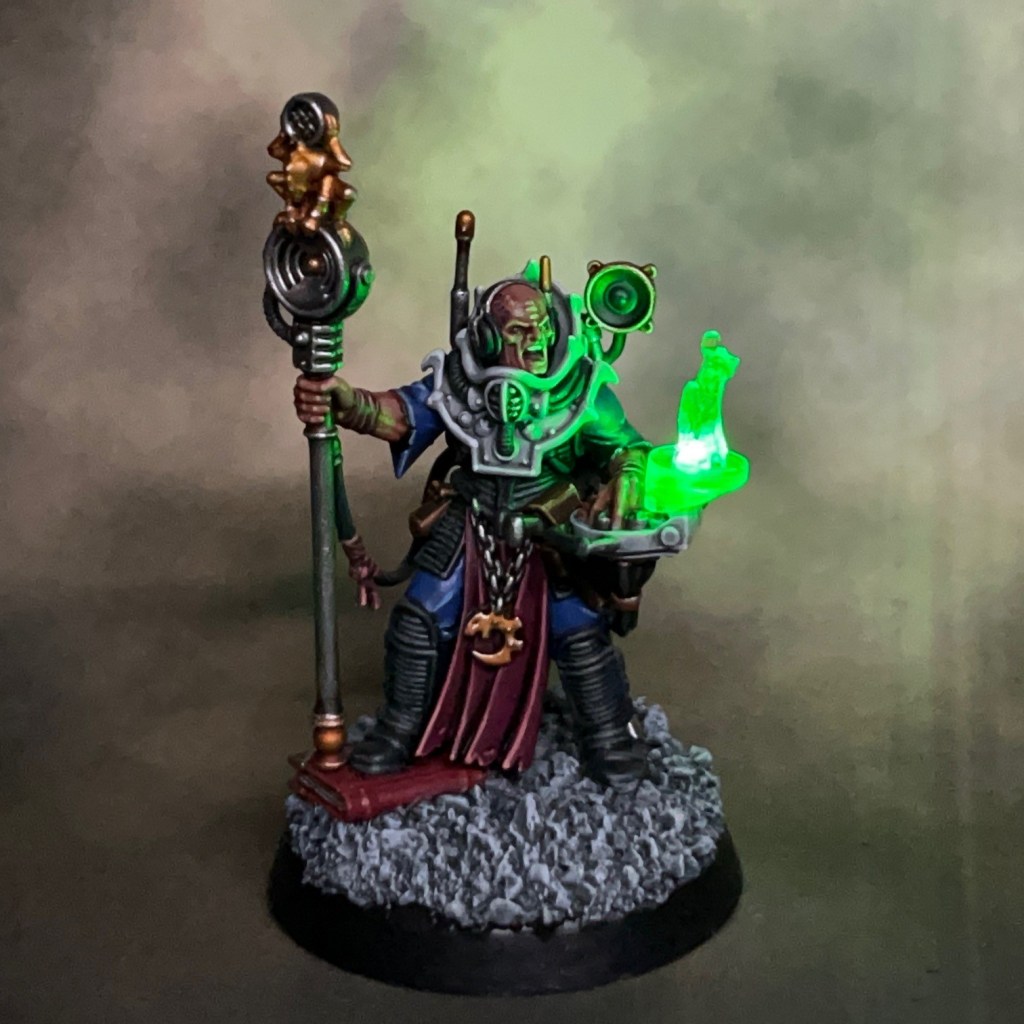
This week’s blog post I’ll be talking about Voval Kreen, my recent Genestealer Cults Clamavus project. This miniature and its LED effects have been specially commissioned by the team at Green Stuff World to show off some of their 3D printed accessories and LED kits. This is my third Green Stuff World commission after Sergeant Khons and Custodian Kalden that I posted earlier in the year.
Modelling
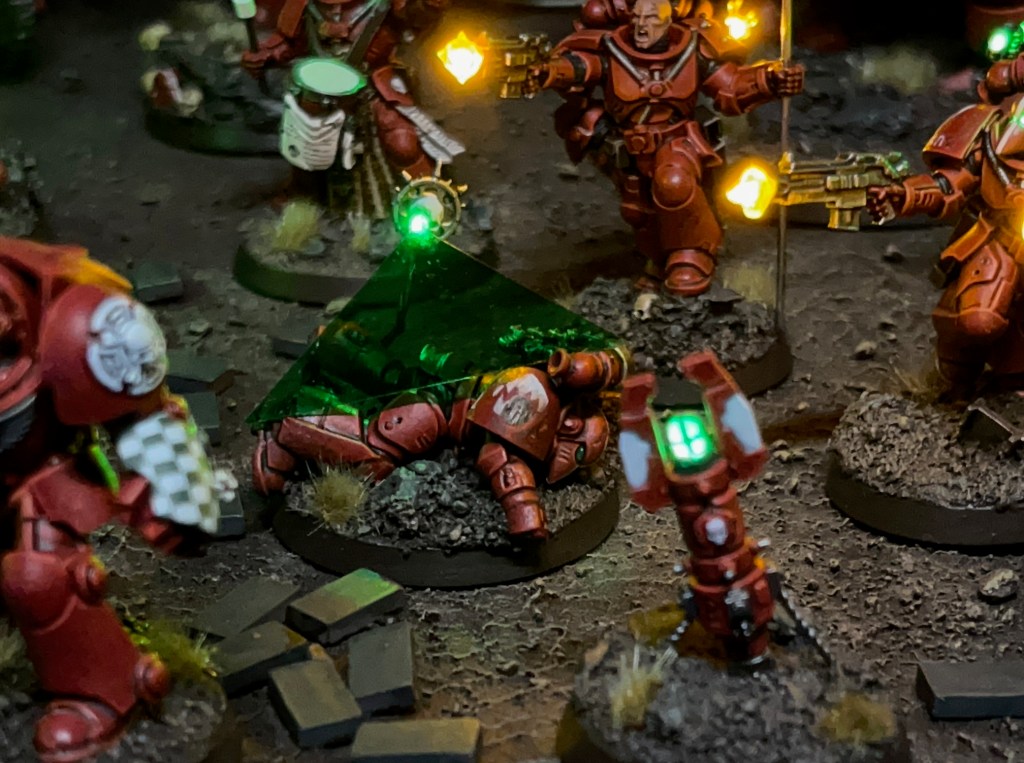
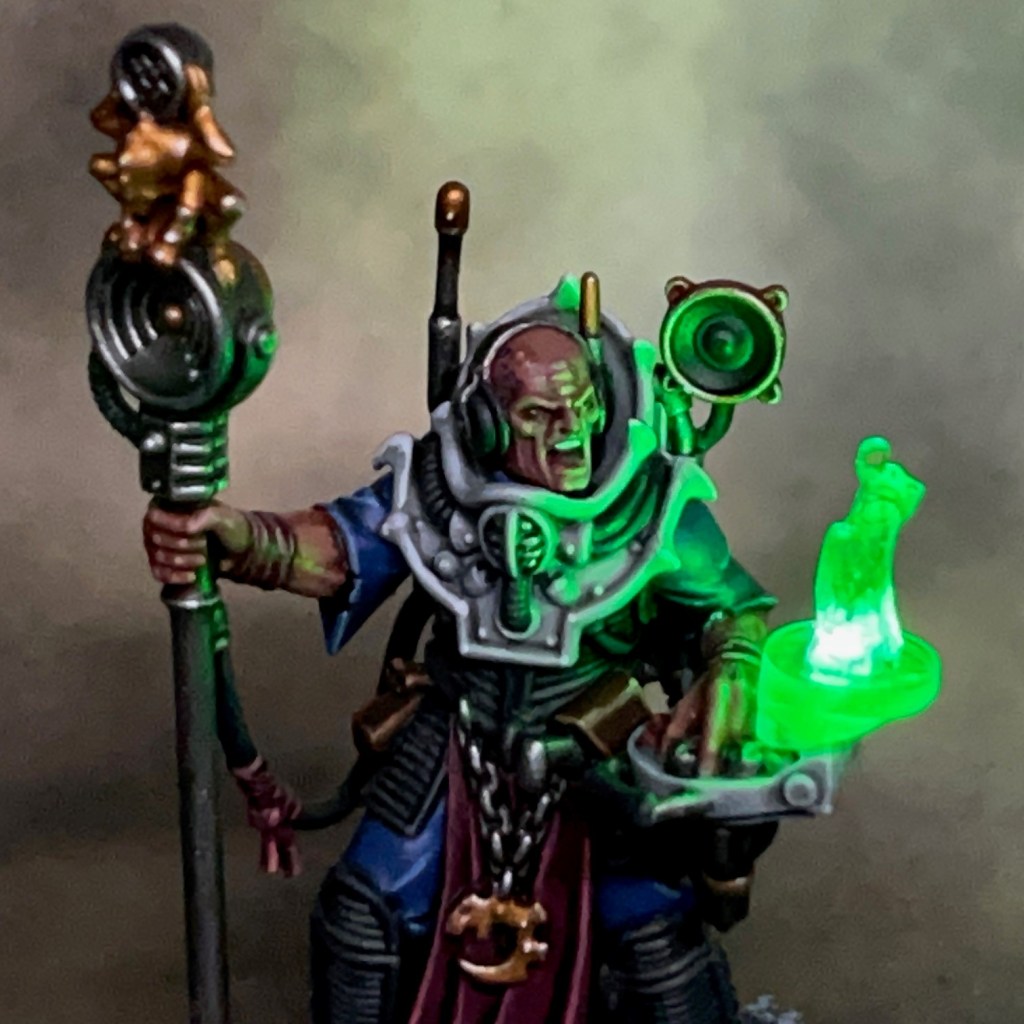
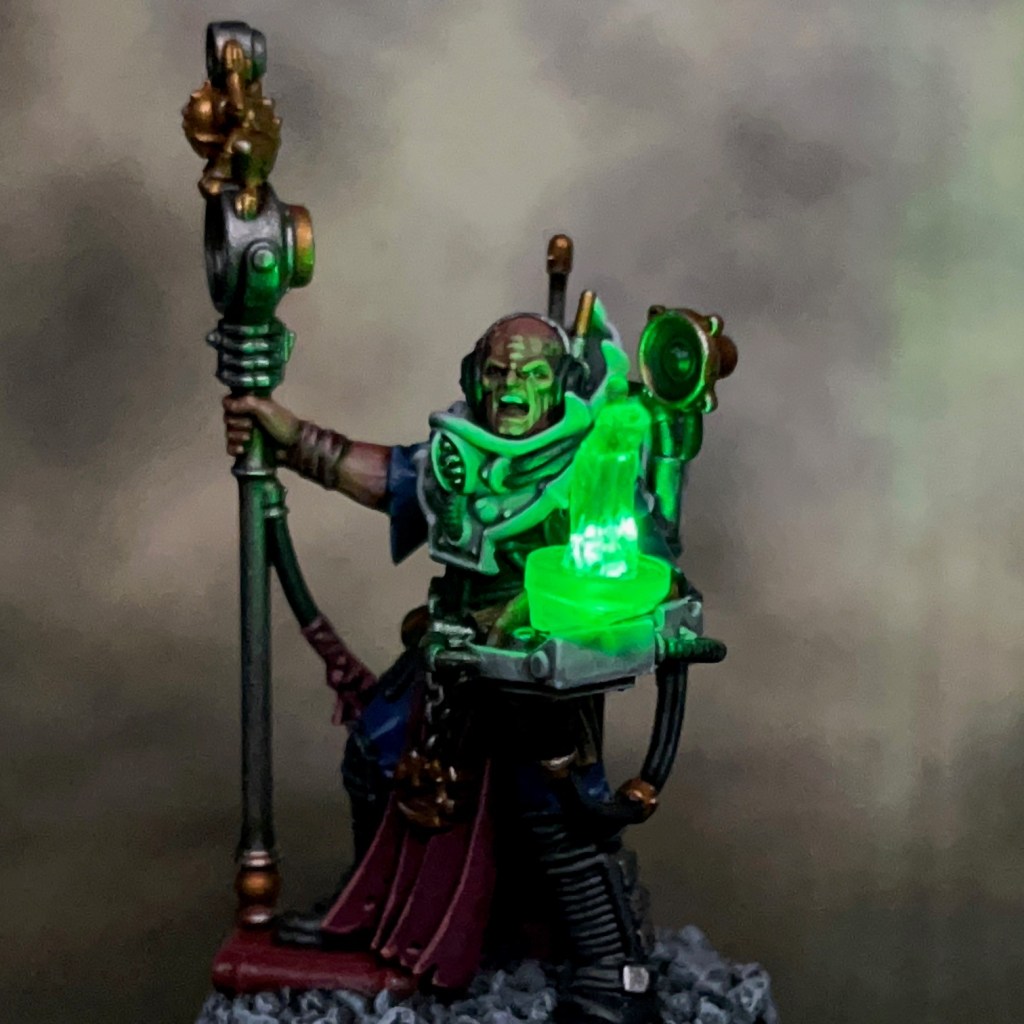
This miniature was intended to demonstrate the Green Stuff World 3D printed Hacker Screens set. When I was asked to incorporate these effects into a miniature, I spent a little time thinking about what would be the best choice. I knew I wanted to specifically use the 3D “hololith” effect, and in the end I settled on the Genestealer Cults Clamavus.
Although the base miniature doesn’t actually include a hololith, the Clamavus is a master of propaganda and the information war when the Genestealer Cults rise up. I thought it would be cool if the Clamavus was portrayed receiving orders from the Cult Magus via hololith – it really helps that one of the components looks like a Magus! Or perhaps the Clamavus is simply amplifying a pre-recorded propaganda speech from the Cult’s spiritual leader. Either way, I thought it would give some awesome battlefield presence to this cool specialist.
As part of the commission I filmed all the stages of the build process, which you can see in the video below.
A full PDF tutorial for this build will be released via Green Stuff World soon. When it is, I’ll add it here and link to it from my tutorial section. In the meantime to get you started here’s a list of all the components and consumables I used.
You may also find my older LED Hololith Tutorial interesting, which shows a similar process applied to a Space Marine using slight different techniques and components.
Painting
I’ve gone back and forward on my preferred Genestealer Cults colour scheme over the years. But after sitting down and looking through various pieces of artwork and ‘Eavy Metal models from back in the day, I think I’ve finally settled on a scheme I’m actually happy with. The key colours are listed below.
Light Grey Armour
Grey Seer base coat
Apothecary White shade
Nuln Oil Shade in deepest recesses
Ulthuan Grey highlight
White Scar dot highlight
Blue Robes
Macragge Blue base coat
Nuln Oil shade
Hoeth Blue highlight
Fenrisian Blue fine highlight
Purple Robes
Screamer Pink base coat
Nuln Oil shade
Pink Horror highlight
50:50 Pink Horror:Cadian Flesh fine highlight
Cadian Flesh dot highlight
Gold Equipment
Retributor Armour base coat
Reikland Fleshshade
Runefang Steel highlight
The skin was a slightly simplified version of my Pale Skin recipe. I skipped the three glazes in the recipe and instead glazed 25:25:50 Xereus Purple, Bugman’s Glow, Lahmian Medium from the eyes downwards. I also added some mottling using Naggaroth Night and Genestealer Purple. The base follows the ‘urban’ scheme used for my Tyranids and detailed in this post.
That’s all for today, I hope you enjoyed this miniature and the demonstration of the Green Stuff World kits! Thanks very much for reading, and please remember you can also find me sharing my work on Instagram, Threads, Twitter/X, Bluesky and Mastodon.
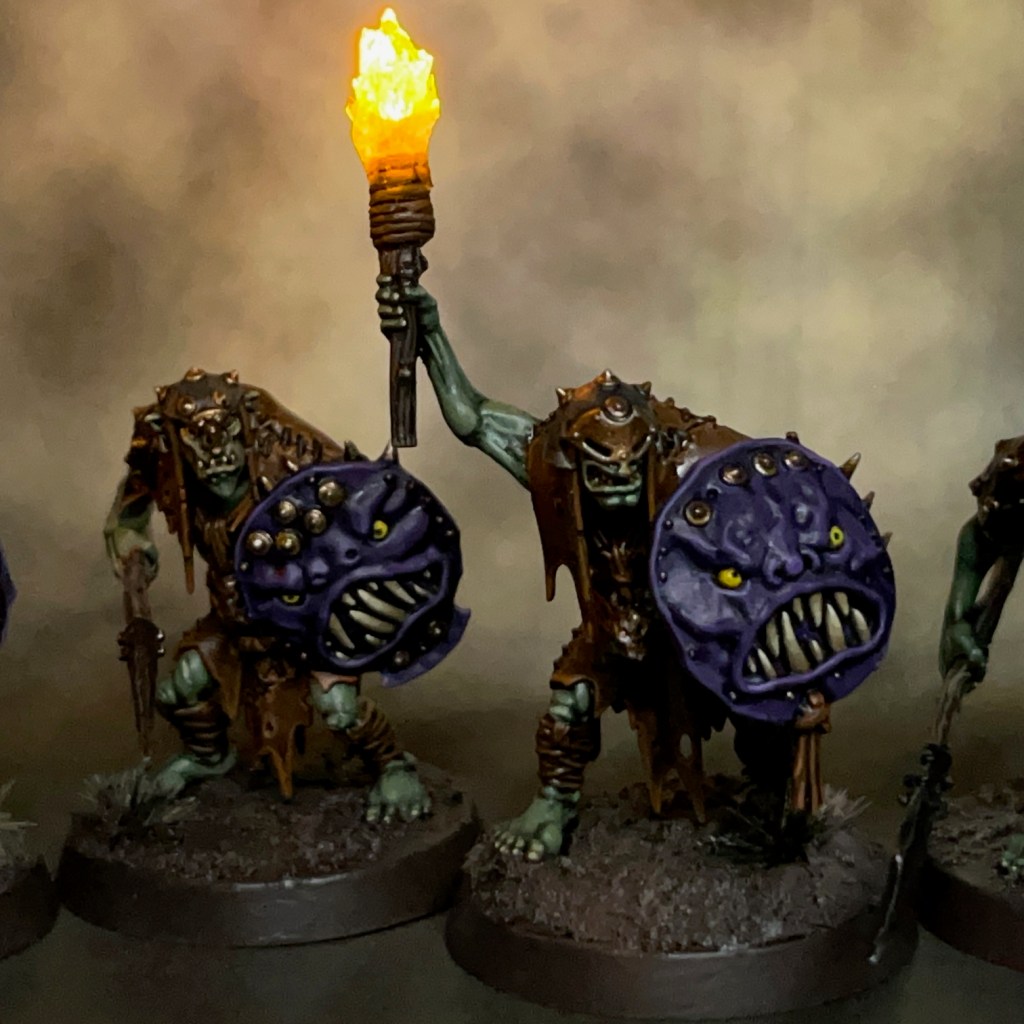
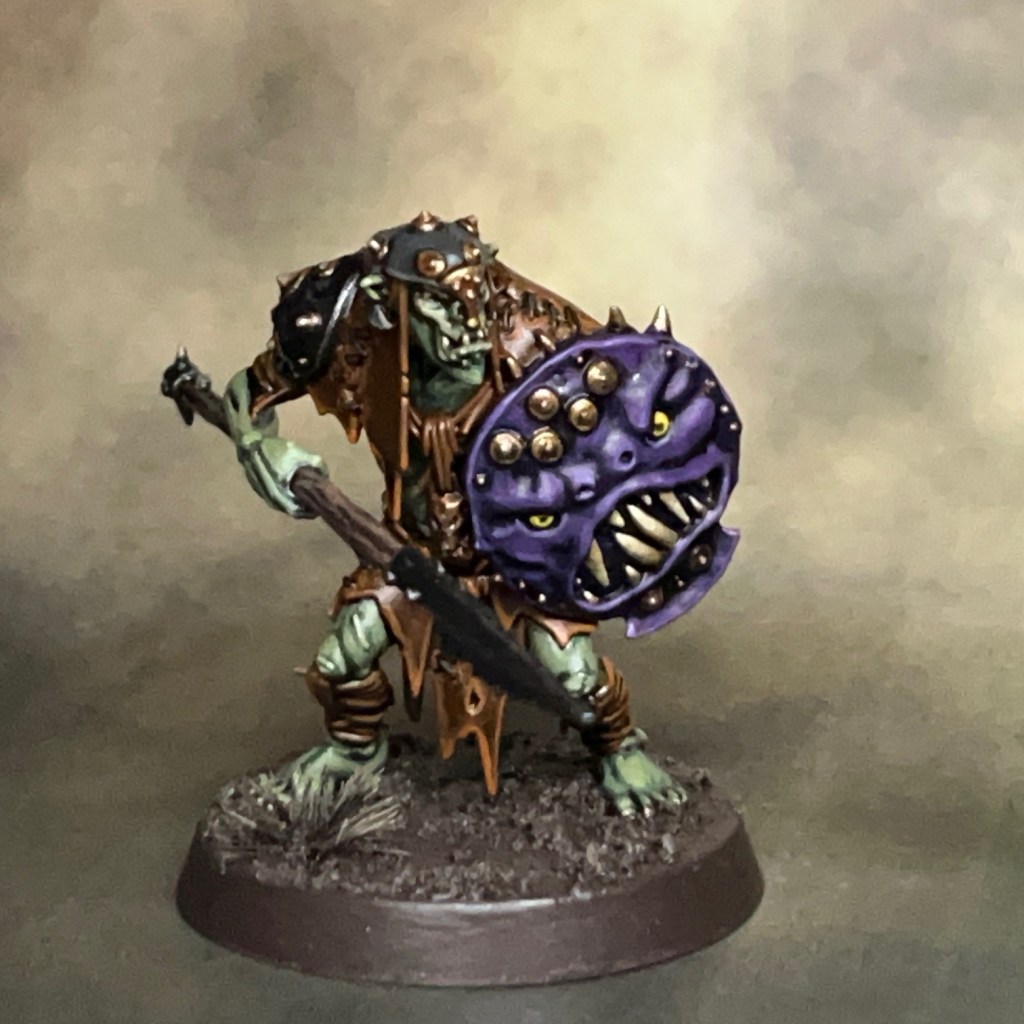
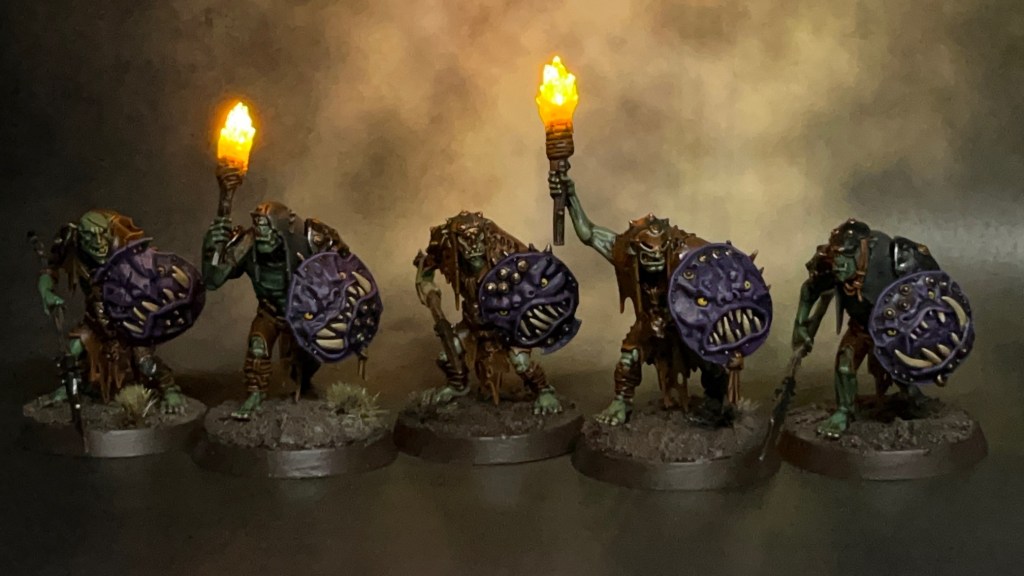
Today I’m looking at some Orruk Kruleboyz Gutrippaz for Warhammer Age of Sigmar. These are the next miniatures in my new Kruleboyz project, following on from the Swampcalla Shaman I posted earlier in the year.
The Kruleboyz Project
Earlier in the year my young son expressed an interest in having a go at the Warhammer hobby, particularly the painting, so we had a look at the starter sets. My son is more into fantasy than sci-fi at the moment, and the Stormcast leapt out at him as something he wanted to paint. I’m a fan of greenskins (as you may recall), so I thought painting some Kruleboyz might be fun. We bought an Age of Sigmar ‘Warrior Edition’ Starter Set to split. I couldn’t resist picking up a couple of other Kruleboyz bits too (like the Shaman)! Unfortunately the rule book in that set is now technically defunct, but I’m not too bothered about that as I knew a new edition was on the horizon and we were mainly interested in the models.
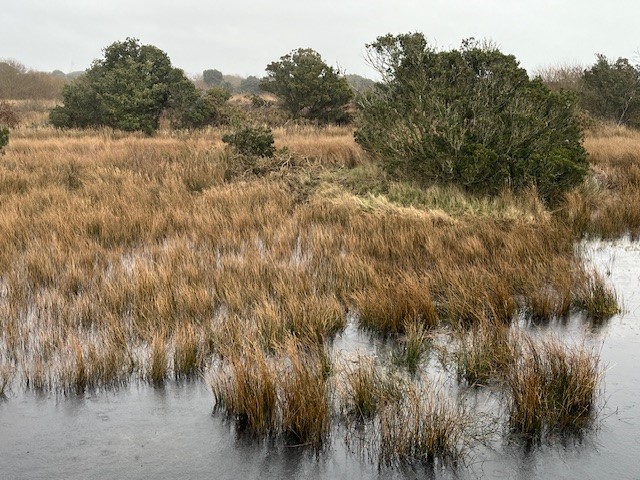
The concept of “swamp orcs” has really grown on me since they were introduced a few years ago. I used to play a lot of black decks in Magic the Gathering when I was younger, so that probably helped! There is also an area of marsh land on the edge of my childhood home town, so I took a few reference photos (see below) on a recent visit, just to give me some inspiration for basing.
Modelling
The main feature of these Gutrippaz is the LED flaming torches, so I’m going to provide a short-form tutorial below on how it was made. I don’t plan to have too many LEDs in this army – something that I always claim at the start of every project – but I’m thinking maybe around three or four flaming torches in every unit of ten.
I don’t really see the Kruleboyz using the torches to light their way through the mist. They prefer to remain concealed, after all! I imagine the Kruleboyz using them as a way to intimidate and confuse their victims; think the “Fire Dragon” in the film The 13th Warrior.
Flaming Torch Tutorial
Prepare the base, resistor (in this case a 47 ohm resistor), battery holder and switch for this miniature were prepared using the method described in Steps 1 – 6 of my LED Eye Lens Tutorial. The single LED in the torch will eventually be connected in series with the resistor, battery holder and switch, as described below.
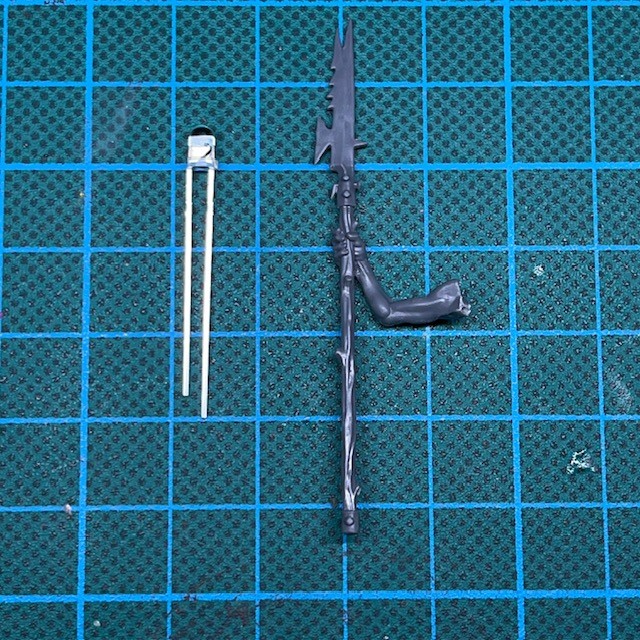
1. The LED used is a Switch Electronics 3mm Yellow Flickering 2.2V LED in series with a 47 ohm resistor (as mentioned above). Select a Gutrippa with a spear that is pointing upwards, as shown in the above left image.
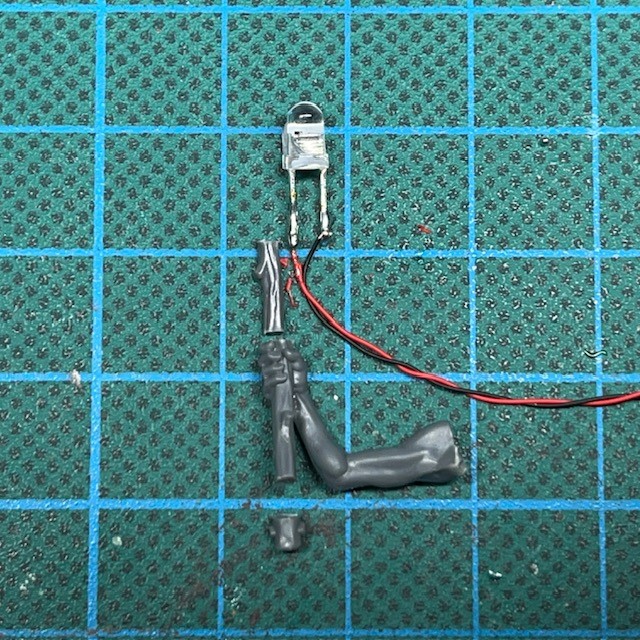
2. Cut the legs of the LED as short as possible and solder on two connecting wires that will be long enough to reach the base when passed through the miniature. It’s useful to colour code the wires to remind yourself of the LED polarity (red is normally positive and black negative). Cut the spear down so it looks like the correct length for a flaming torch. as shown in the above right image.
3. Glue the LED to the the ‘wood’ of the torch, and then drill holes to feed the wires down through the arm, torso and one leg of the miniature so they can connect to the resistor, battery holder and switch on the base. If you need additional hints on how to do this, check out Steps 7 – 9 of my LED Eye Lens Tutorial.
4. While I was working on this miniature, the upper arm pinged off and disappeared into whatever dimension dropped miniature components vanish to, so I had to use wire and putty to replace the upper arm. However – if you don’t drop it – you can just use the upper arm. Repositioning the arm to hold the torch at a realistic raised angle may introduce gaps, but these can be dealt with at the next stage.
5. Fill in any gaps around the arm and shoulder with modelling putty. You will also need to use modelling putty to sculpt the ‘burning rags’ around the top of the flaming torch, which will help to hide the legs of the LED. Finally, use modelling putty to cover up any exposed components remaining on the base. The images above show what this looks like from the front and the back.
7. Start sculpting the basic shape of the flame over the LED using Water Splash Effect Gel from Green Stuff World. This is best applied with a metal sculpting tool, thin plastic rod or stiff length of wire. When you apply it, the gel will initially appear milky white – as shown in the above left image – but once it is fully dry it will be transparent.
8. Wait for the initial application of gel to dry (this can take several hours) and then continue to apply successive layers until you are happy with the shape. Building up thin layers over time will give the best results, as show in the above centre image.
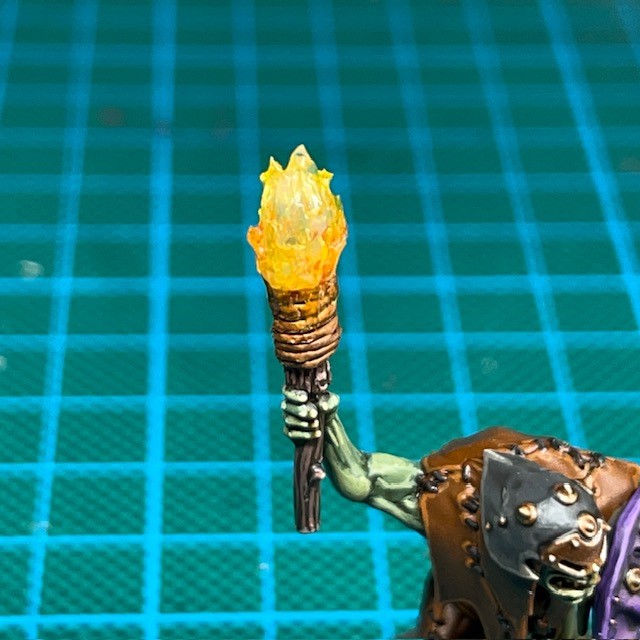
9. Once you are happy with the shape and the gel has completely dried, you can paint the flames. You only need to apply a light glaze – this will not inhibit the light of the LED and will also make the model look good when the LED is switched off. First apply a shade of Citadel Fuegan Orange to the lower third of the flames. Once this has dried apply a layer of Citadel Imperial Fist Contrast thinned down with water to a glaze consistency.
Painting
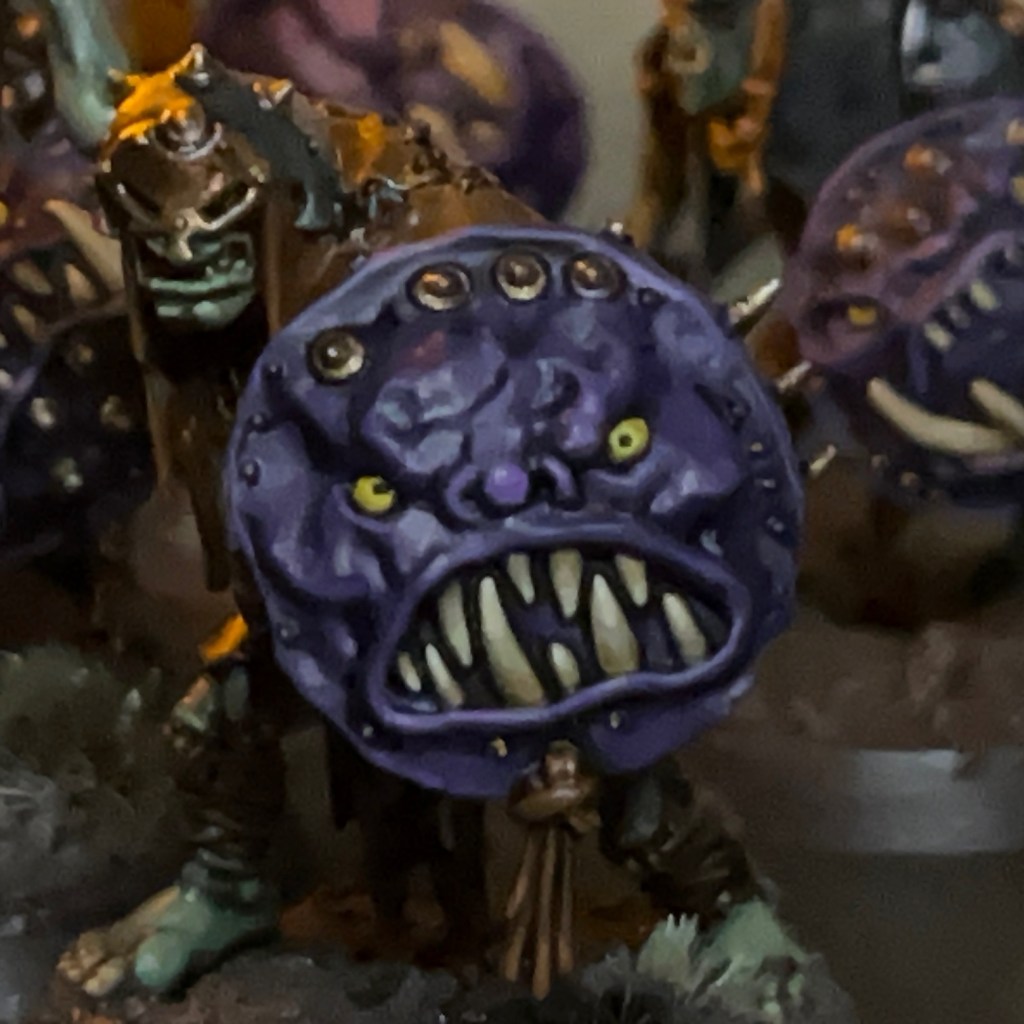
The troggoths that haunt the swamps of the Tallowlands are giant, purple-skinned brutes with great ivory tusks and beady yellow eyes. The Kruleboyz take great delight in terrifying the decent, hard working folk of the Tallowlands by fashioning their shields into leering purple faces and emerging shouting and yelling from the boggy mists to rampage through the villages built on the edge of the swamps.
Excerpt from ‘My Travels in the Tallowlands’ by renowned bard Jonathan Allen Bow.
I’ve opted for a primitive look with the Kruleboyz; leather armour, troggoth hide shields, black iron for weapons and armour, and bronze for other tools and trinkets. I was trying to give the impression of barbarian raiders emerging from their hidden villages in the swamps, rather than a well-equipped and well-supplied professional army.
I don’t normally paint in sub-assemblies, mostly because LED projects usually require the whole miniature to be assembled before painting begins. However, if I have one tip for painting the Gutrippaz, it’s to keep the shield arms separate, as this makes it a lot easier to get at all the detail.
Below are the paint recipes for my Kruleboyz project. All paints listed are from the Citadel range and are applied over an undercoat of Halfords Primer Grey (a Citadel alternative would be Grey Seer.)
Kruleboy Flesh
Waaagh Flesh base coat
Agrax Earthshade shade
50:50 Waagh Flesh:Straken Green layer
Straken Green layer
50:50 Straken Green:Nurgling Green highlight
Nurgling Green fine highlight
Leather Armour
Mournfang Brown base coat
Agrax Earthshade shade
Skrag Brown highlight
50:50 Skrag Brown:Trollslayer Orange fine highlight
Stitching
Abaddon Black base coat
Eshin Grey highlight
Hoods & Cowls
Skavenblight Dinge base coat
Nuln Oil shade
Stormvermin Fur highlight
Karak Stone dot highlight
Wood, Wooden Tools & Corks
Dryad Bark base coat
Agrax Earthshade shade
Gorthor Brown highlight
Baneblade Brown fine highlight
Black Iron
Abaddon Black base coat
Nuln Oil shade
Ironbreaker edge highlight
Bronze Tools & Trinkets
Balthasar Gold base coat
Agrax Earthshade shade
Liberator Gold highlight
Runefang Steel fine highlight
Purple Shields & Troll Skin
Naggaroth Night base coat
Druchii Violet shade
50:50 Naggaroth Night:Xereus Purple layer
Xereus Purple layer
50:50 Xereus Purple:Genestealer Purple highlight
Genestealer Purple fine highlight
Yellow Eyes
Averland Sunset base coat
Agrax Earthshade shade
Yriel Yellow layer
Abaddon Black pupils
Teeth & Claws
Zandri Dust base coat
Seraphim Sepia shade
Ushabti Bone highlight
Screaming Skull fine highlight
Mossy Bone
Zandri Dust base coat
Athonian Camoshade shade
Karak Stone layer
50:50 Karak Stone:Ushabti Bone highlight
Ushabti Bone hightlight
Muddy Base
Rhinox Hide base coat
Stirland Mud layer
Agrax Earthshade Gloss shade
Gothor Brown drybrush
Karak Stone drybrush
Rushes & Cattails
Deepkin Flesh base coat on stem
Rhinox Hide base coat on flower head
Athonian Camoshade shade on stem
Agrax Earthshade shade on flower head
White Scar highlight on stem
Doombull Brown hightlight on flower head
Tuskgor Fur highlight on flower head
Ancient Ruins
Mechanicus Standard Grey base coat
Nuln Oil Shade
Dawnstone highlight
Administratum Grey fine highlight
LED Palette
As I’ve mentioned before, I like to limit my LED colour palette for new projects. This is to ensure they don’t look like multi-coloured Christmas decorations when the army is fully assembled on the tabletop. My Kruleboyz will use the following very limited LED colour palette:
Green for magic and potions.
Yellow for fire and flaming torches.
As mentioned above, I don’t expect to use a lot of LEDs for this project. They will probably be limited to character models and flaming torches in units.
Future Army Plans
I’m trying not to get too carried away with this project. My first goal will be to finish the rest of the Gutrippaz and the Killaboss that came in the starter set. After that, I may look at the Kruleboyz Vanguard box and aim for my first 1000 points. I don’t want to get too carried away though, as I still have Tyranids and my Flesh Eaters space marines on the go!
That’s all for today. Thanks very much for reading, and please remember you can also find me sharing my work on Instagram, Threads, Twitter/X, Bluesky and Mastodon.
Also, if you have time, please consider voting for me as ‘Best Mini Painter’ in the CRIT Awards! Voting closes on 7th July, so this is your last chance to vote if you intend to but haven’t done so yet.
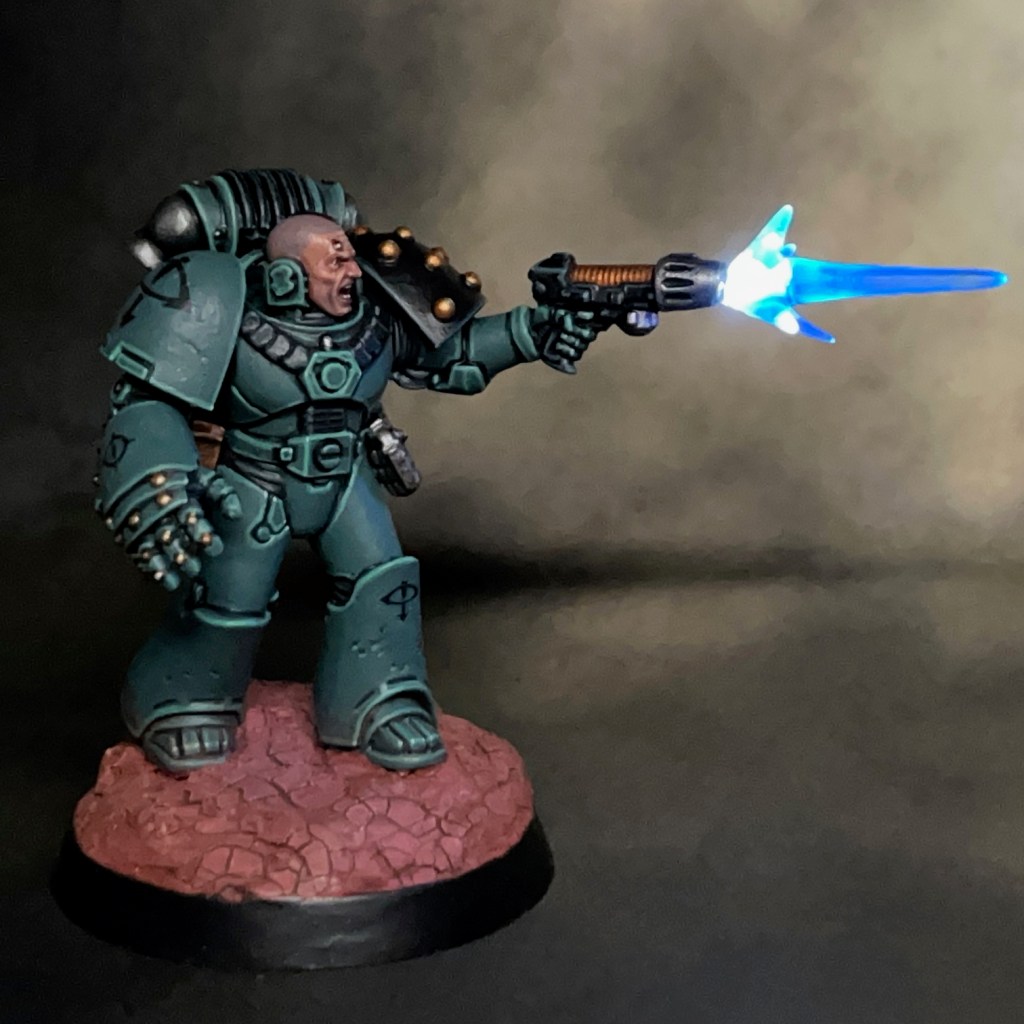
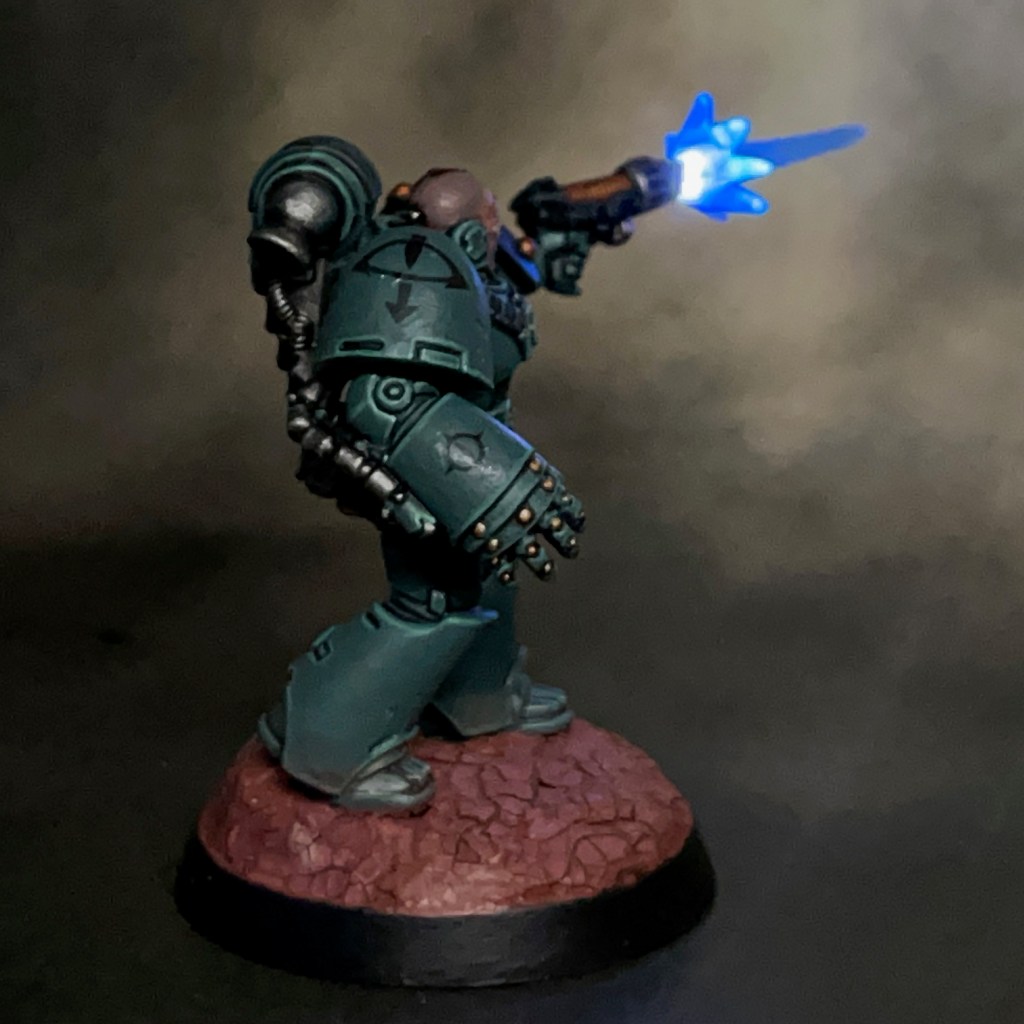
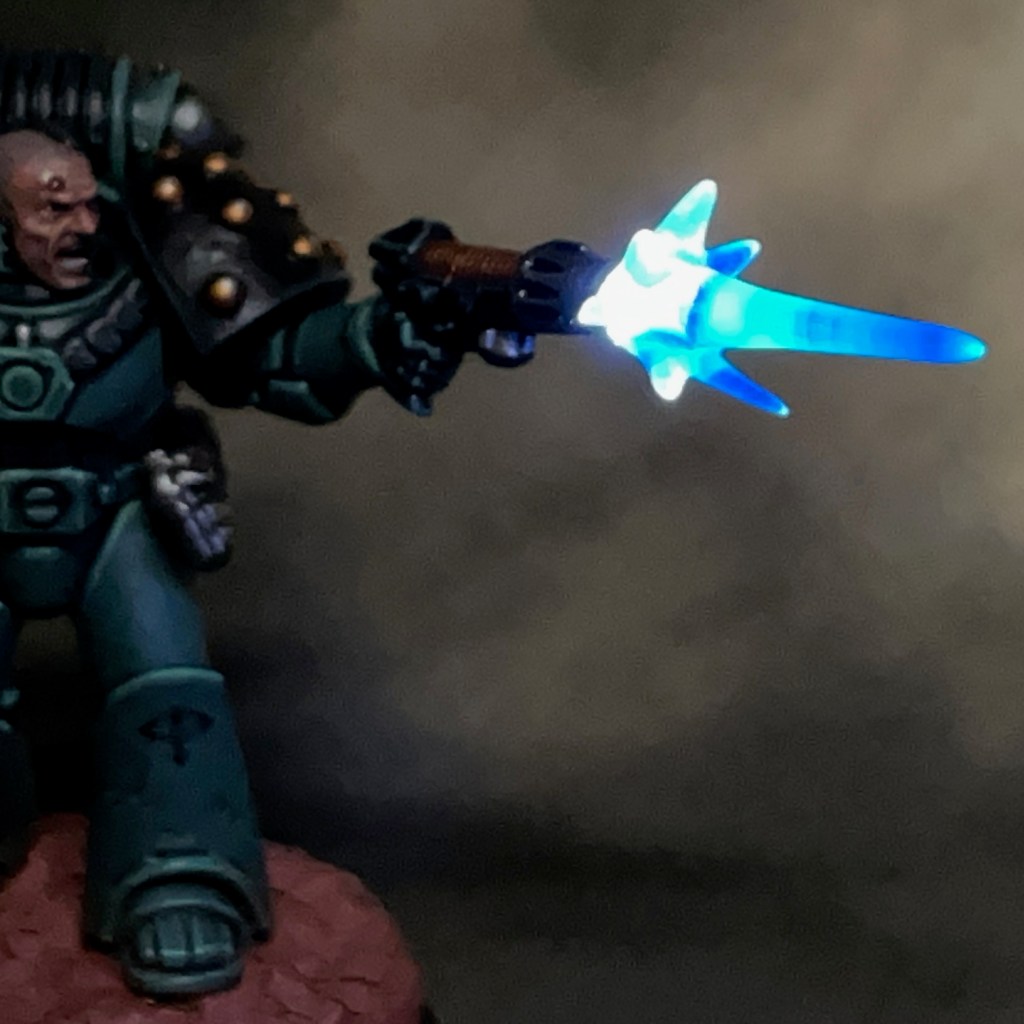
This week I’d like to present Sergeant Khons of the Sons of Horus. This miniature and its LED effects have been specially commissioned by the team at Green Stuff World to show off some of their 3D printed accessories and LED kits. This is my second Green Stuff World commission after Themistius Kalden and his energy shield that I posted last week.
Modelling
This miniature was intended to demonstrate the Green Stuff World 3D Printed Plasma Effects. When I was asked to incorporate the plasma effects into a miniature, I immediately knew this effect would look awesome on a space marine with a plasma pistol. I settled on the Sons of Horus for the paint scheme as I really I enjoyed painting Brother Amset, and I’ve been looking for an excuse to paint another Sons of Horus marine ever since.
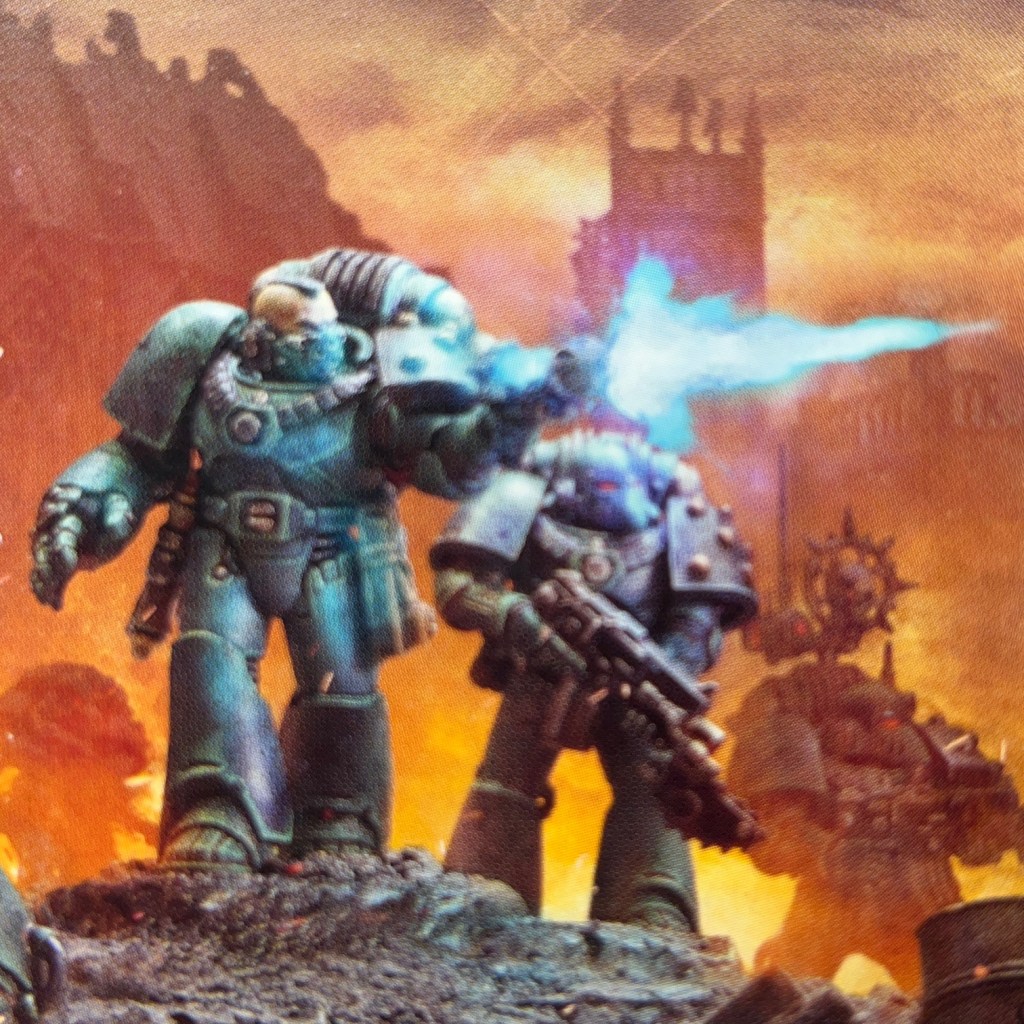
The equipment and pose of the miniature were influenced by sergeant on the Legion MKVI Tactical Squad box art, shown above. I swapped the mask for a bare head as a shouting or grimacing face combined with an LED muzzle flare really helps to sell the ‘mid-action’ pose.
As part of the commission I filmed all the stages of the build process, which you can see in the video below.
A full PDF tutorial for this build will be released via Green Stuff World soon. When it is, I’ll add it here and link to it from my tutorial section. In the meantime to get you started here’s a list of all the components and consumables I used. The miniature is from the Legion MKVI Tactical Squad kit.
My Sons of Horus armour recipe can be found in this previous post. For the face, I used my standard Pale Skin recipe. During the painting stage the plasma effect was given a thin blue glaze. This was done to help give the cool white LEDs a blue tint, and also to give the plasma effect some visual interest when the LED was switched off. The iconography on this miniature came from the transfer sheet included in the box.
LED effects aside, I’m really pleased with the paint job on this model. I think it’s one of the best space marines that I’ve painted to date – if I do say so myself!
That’s all for today, I hope you enjoyed this miniature and the demonstration of the Green Stuff World kits. Thanks very much for reading, and please remember you can also find me sharing my work on Instagram, Threads, Twitter/X, Bluesky and Mastodon.
Oh, and if you have time, please consider voting for my miniature painting in the CRIT Awards!
I choose to interpret my title as Shield Captain literally.
Themistius Kalden, Custodes Shield Captain
Allow me to present Themistius Kalden, Shield Captain of the Shadowkeepers Shield Host of the Adeptus Custodes. This miniature and its LED effects have been specially commissioned by the team at Green Stuff World to show off some of their 3D printed accessories and LED kits.
The 3D printed Energy Shields kit was one of several I was commissioned to demonstrate. My first thoughts were a space marine with a storm shield, but after a bit more musing, I thought a Custodian with a shield might be more interesting.
Modelling
As part of the commission I filmed all the stages of the build process, which you can see in the video below.
A full PDF tutorial will be released via Green Stuff World soon. When it is, I’ll add it here and link to it from my tutorial section (EDIT: The full PDF tutorial can now be found here). In the meantime, to get you started here’s a list of all the components and consumables I used. The miniature is from the Custodian Wardens kit.
For the paint scheme, I followed a similar recipe to my previous Custodian Shadowkeeper. The only difference was I used true metallic rather than NMM, just because NMM is very time consuming and I wanted to meet my deadline. For the face, I used my normal Pale Skin recipe. The energy shield was given a red glaze and very watered down highlight to the edges, just to help give it a bit more definition without impacting the transparency.
That’s all for today. I’ll be back again soon with more LED miniatures, including more collaborations with Green Stuff World. Thanks very much for reading, and please remember you can also find me sharing my work on Instagram, Threads, Twitter/X, Bluesky and Mastodon.
Sometimes you need to look the enemy in the eye, and sometimes you need to trust in your wargear.
Brother Castiar, Flesh Eaters
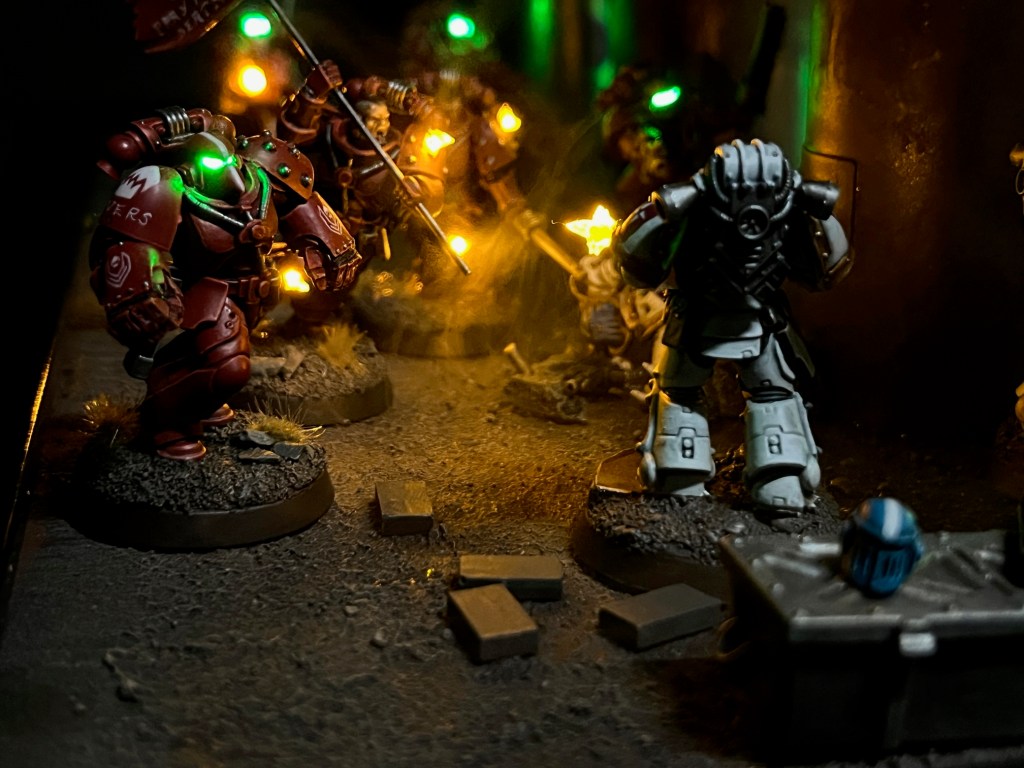
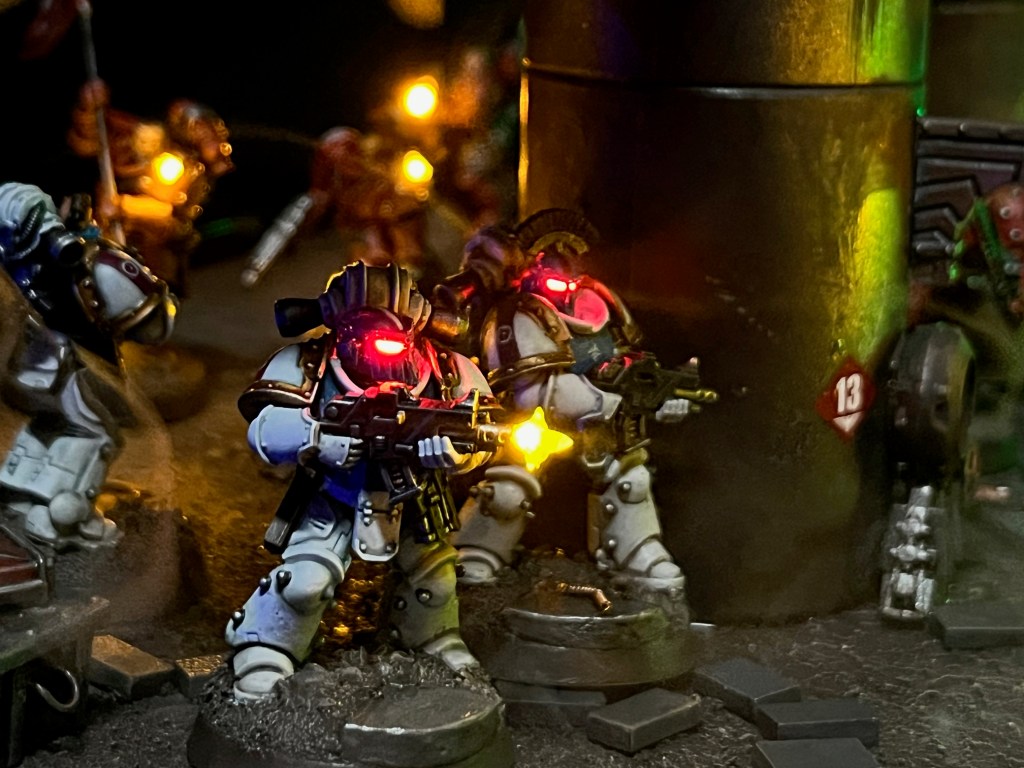
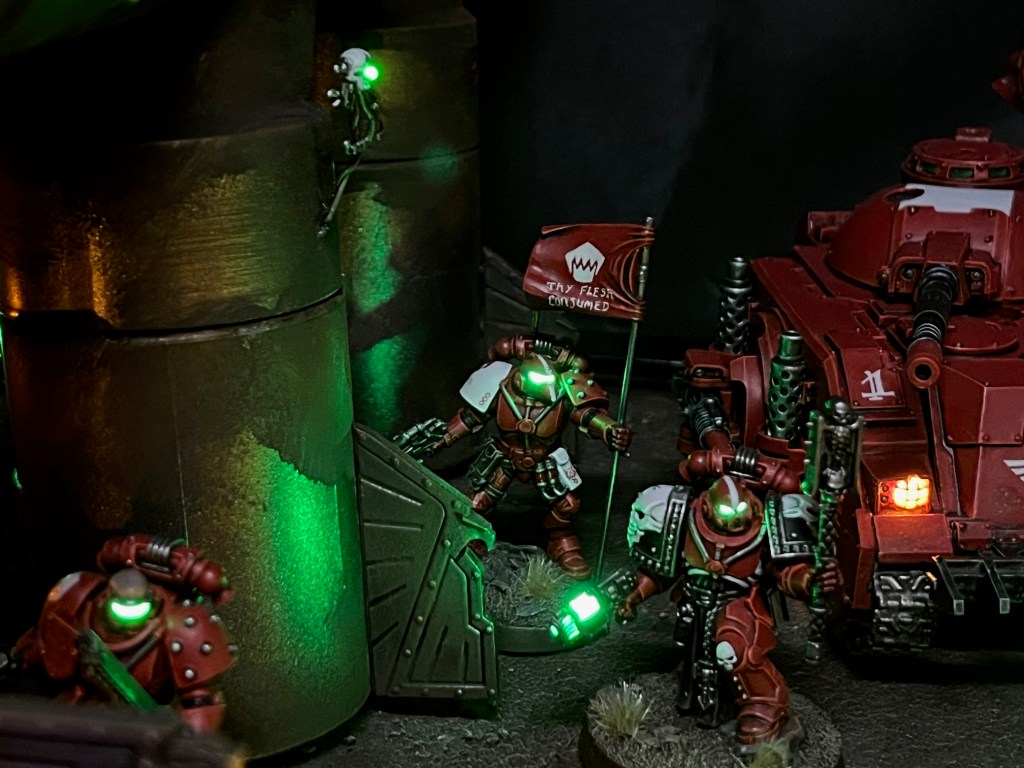
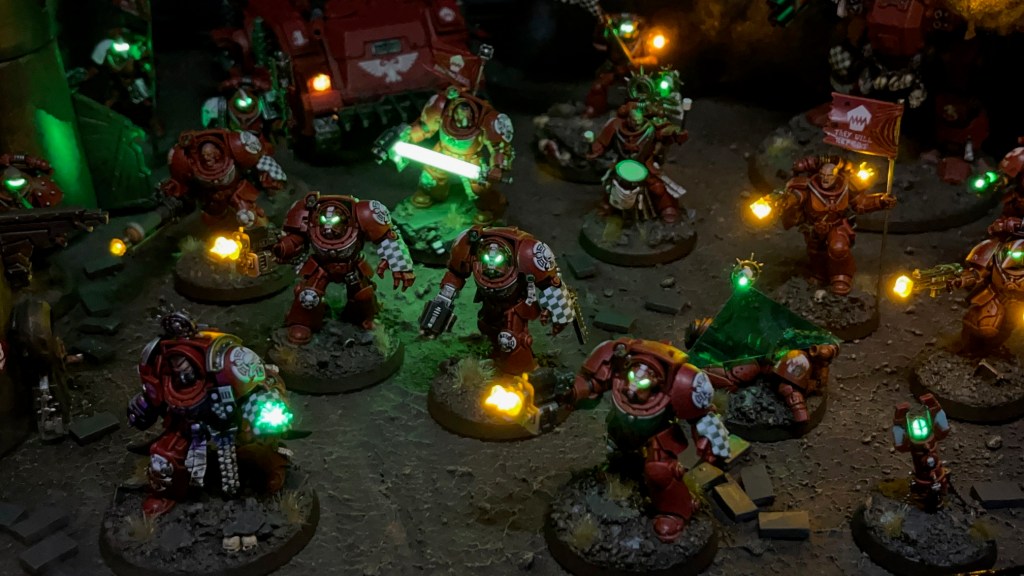
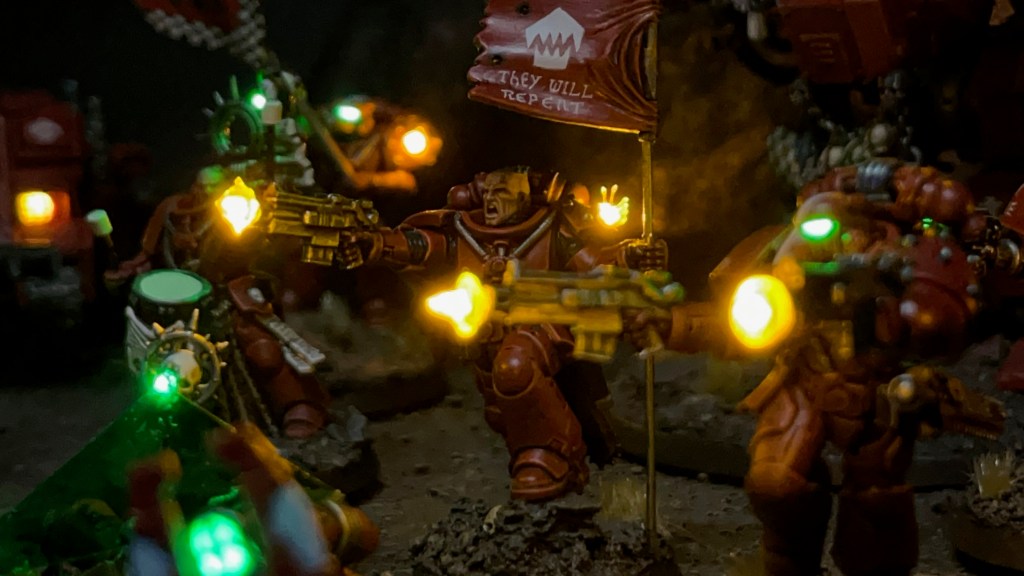
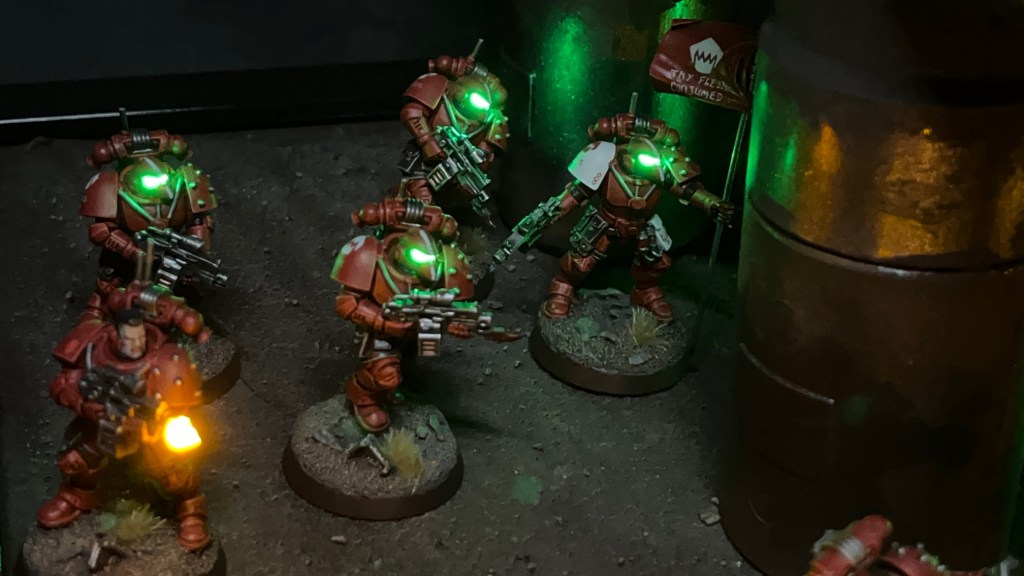
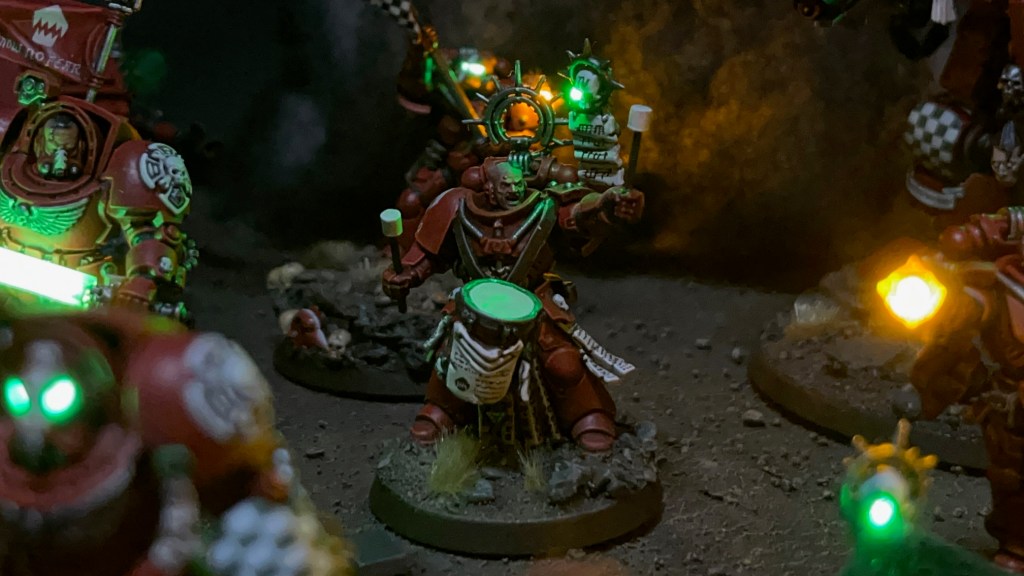
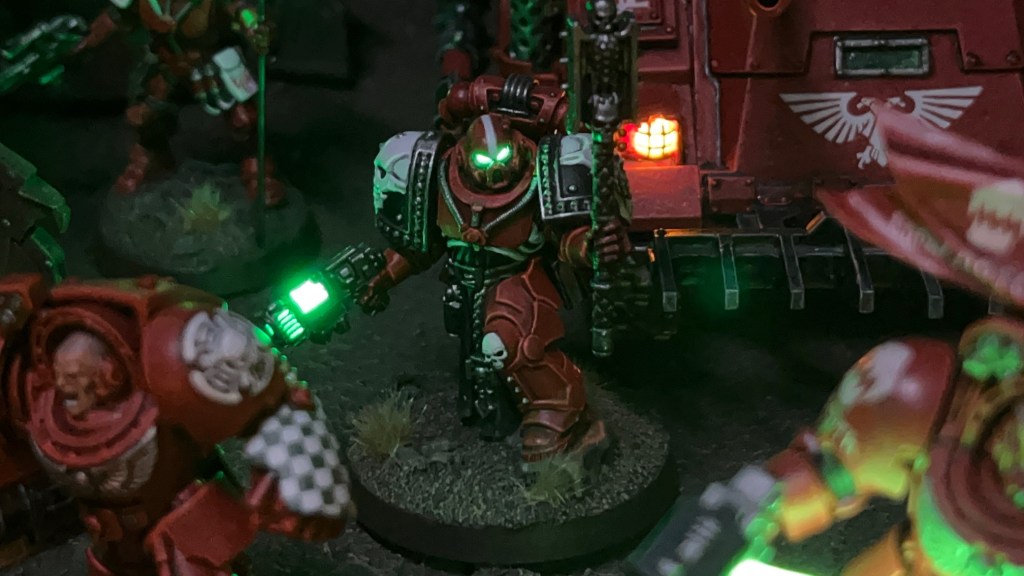
I’m back again with the next addition to my Flesh Eaters Space Marines project. Brother Castiar is the fourth member of my second Assault Intercessor squad, along with Brother Pitman, Brother Oram, and Sergeant Byrne. As well as the usual LED muzzle flare and bullet impact effects, Castiar also has a choice between a bare head or helmet that can be easily swapped during a game.
Modelling
I had built a similar effect before with my Crimson Fists Captain, although in that case he couldn’t wear the helmet ‘mag locked’ to his belt. It’s a technique I’ve been meaning to revisit for a while and refine into a short-form tutorial. The base miniature is an Assault Intercessor from the Indomitus box – yes, I’m still working my way through that!
Swappable Helmet Tutorial
1. This tutorial builds on the techniques used in my LED Eye Lens tutorial. To prepare your miniature and base, first complete Steps 1-10 of that tutorial.
2. This technique uses IC sockets (above left) as sockets for LED legs. They are just the right size for the legs of 1.8mm LEDs to easily fit in and out. IC sockets are often manufactured in long rows or squares, but you can easily cut them down into pairs but cutting in between individual sockets with a craft knife. For this tutorial you will just need a single pair of sockets. IC sockets are available on Amazon here or from electronic component suppliers like RS here.
Assuming you’ve followed Steps 1-10 of my LED Eye Lens tutorial, you can now solder the two legs of the IC socket to the two wires inside the torso of your miniature (above right). Solder one wire to each leg. It doesn’t matter which way round you solder the wires, just remember which side was positive and which was negative.
3. Now complete Step 11 – 14 of my LED Eye Lens tutorial to prepare the helmet (above left). Make sure you consider the polarity of the LED legs with respects to the polarity of the IC socket before you fix the LED into place. At this stage I’ve also started using modelling putty to sculpt the flexible ‘rubber seal’ between the helmet and the armour. If you make sure the putty covers the entire underside of the LED this also helps prevent unwanted light spilling out from the bottom of the helmet.
You will also need to prepare the bare head (above right). Use off-cuts from you LED legs to give the bare head legs of its own, then it can easily plug into the same IC socket. Make sure that the metal legs are not touching each other, otherwise you risk short circuiting the battery when the bare head is insert. There’s also no reason that the bare head can’t simply be a replaced with a different LED helmet instead.
4. Make sure the LED legs are the right length so they fit comfortably through the neck hole and into the IC socket, while also sitting as flush as possible with the top of the torso. Once you are satisfied with the position, fix IC socket in place with glue and/or modelling putty (above left).
You may also want to add additional LED effects, for example LED Muzzle Flares or LED Plasma Weapons. If you do, this is the point at which to do it. Additional LEDs can be connected in parallel with the connections to the IC socket on the base (above right).
5. Assemble the rest of the miniature, and then make sure the both heads have a good fit with the torso. If there are gaps, you may need to use more modelling putty to sculpt additional detail to fill the gap, like the ‘rubber seal’ around the neck. (above).
6. This step is optional, but if you want to include the ability to ‘mag lock’ the helmet on the belt, you will need to drill two holes in the waist or hip of the miniature (above left). Make sure the holes are deep enough so that the helmet sits flush with the hip (above right). A 1mm drill bit should be the ideal size for this. After drilling the holes, I added a small ring of modelling putty to make them look similar to the other sockets and access ports you sometimes find on Space Marine armour. Just be careful not to drill through any wires that may be inside the leg! These holes do not need any electrical connections as the helmet is ‘powered down’ when mag locked to the waist, so is not expected to illuminate in this postion.
Painting
When painting this miniature I stuck with my usual recipes. I used my standard recipes for Flesh Eaters red armour and my recipe for Space Marine pale skin. Something that’s worth noting, I always apply a thin glaze of Biel-Tan Green to the resin in the helmet eyes so they have a green tint even when switched off. This is especially important for this miniature, where the helmet will feasibly be on display on the waist while powered down.
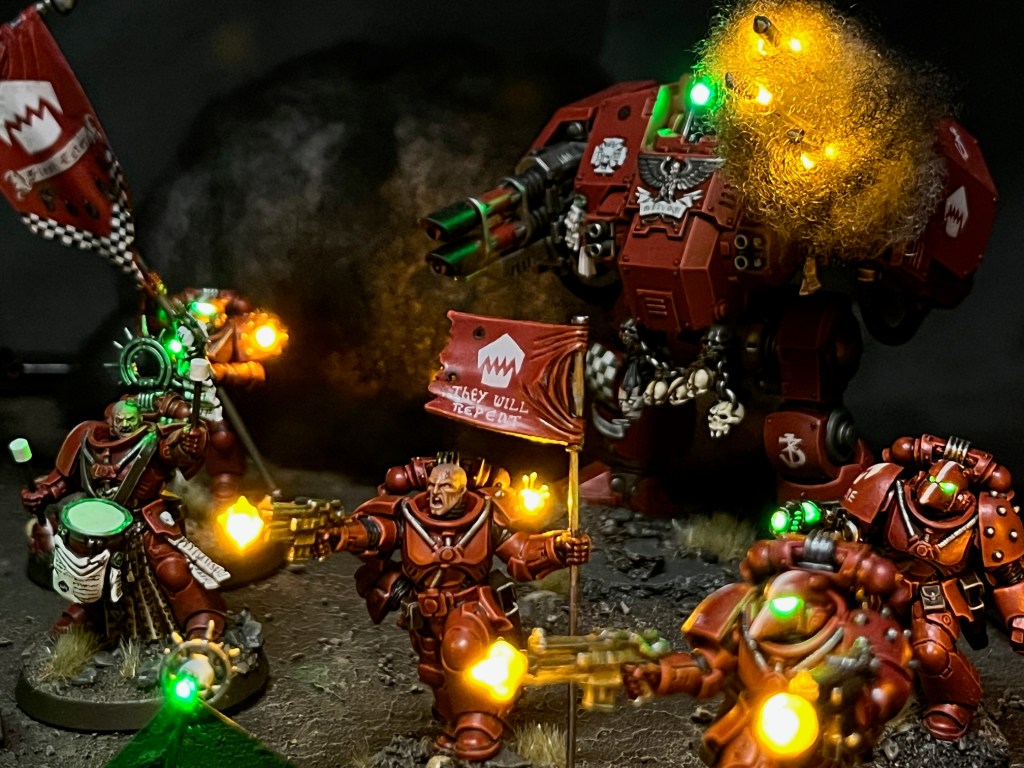
There’s a minor Easter Egg in the slogan Brother Castiar’s banner. Ostensibly, ‘They Will Repent’ is a threat and a promise to his Partisan enemies in the War of the False Primarch. But also – as with the banner on the Infiltrator squad – it’s also a reference to a level in the original Doom. Of course the level name is itself a biblical reference, so I guess it’s a nested Easter Egg, if you’ll excuse the pun!
That’s all for today. It’s been a while since my last blog post, but rest assured I’ve been working on lots behind the scenes, and I have plenty more to show soon. Thanks very much for reading, and please remember you can also find me sharing my work on Instagram, Threads, Twitter/X, Bluesky and Mastodon.